Every talk, understood by everyone.
OpenCaptions turns live speech into captions and translations in seconds, on every phone in the room, on the big screen and in your livestream. No app to install, no per-seat fees, and it runs on your own server.
Free and open source (MIT) · Self-hosted · Cloud AI or fully offline
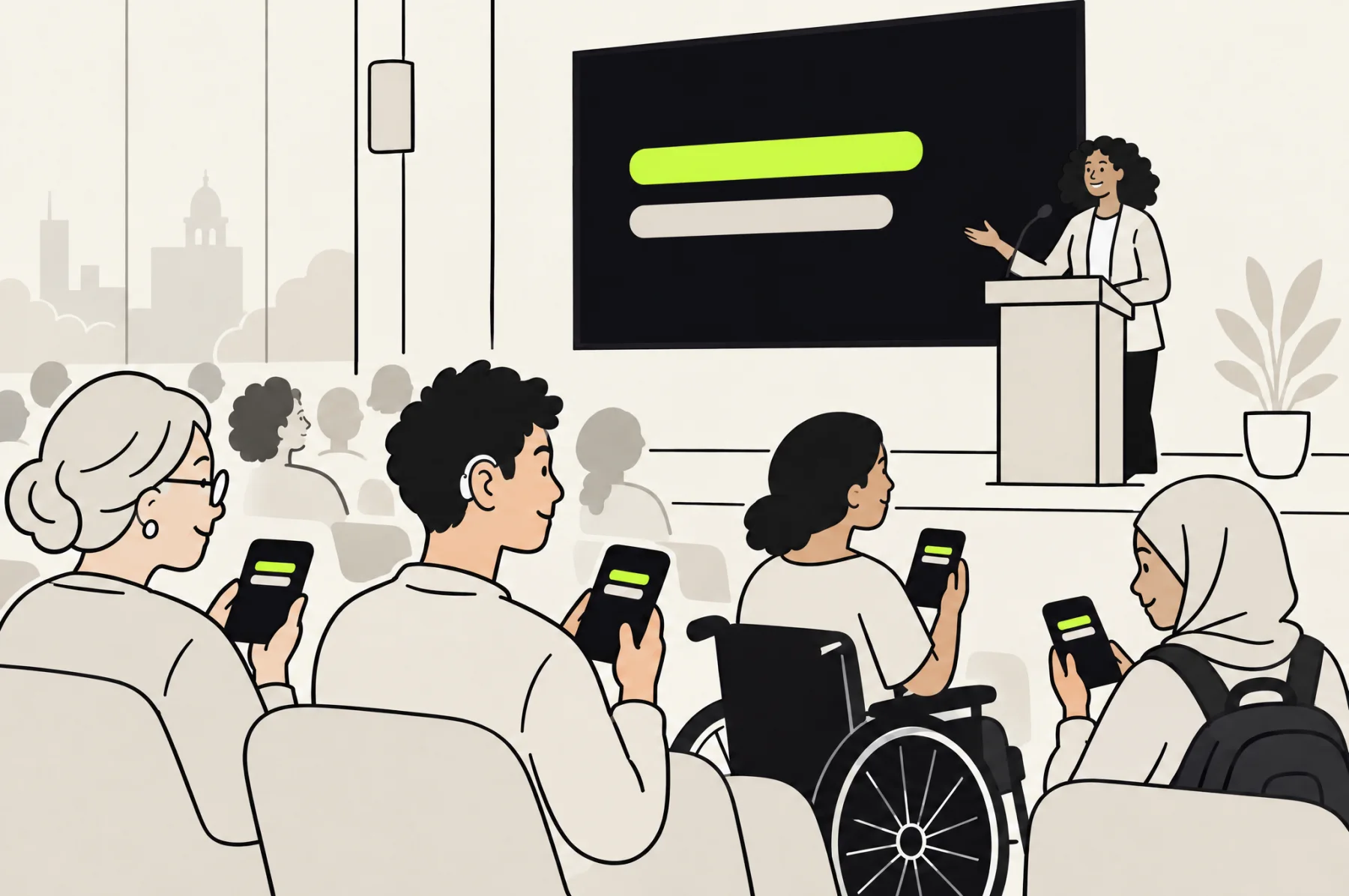
Made for every kind of event
Wherever people gather to listen.
Features
Everything an inclusive event needs.
Accessible for every attendee, effortless for the crew on the day, and yours to keep.
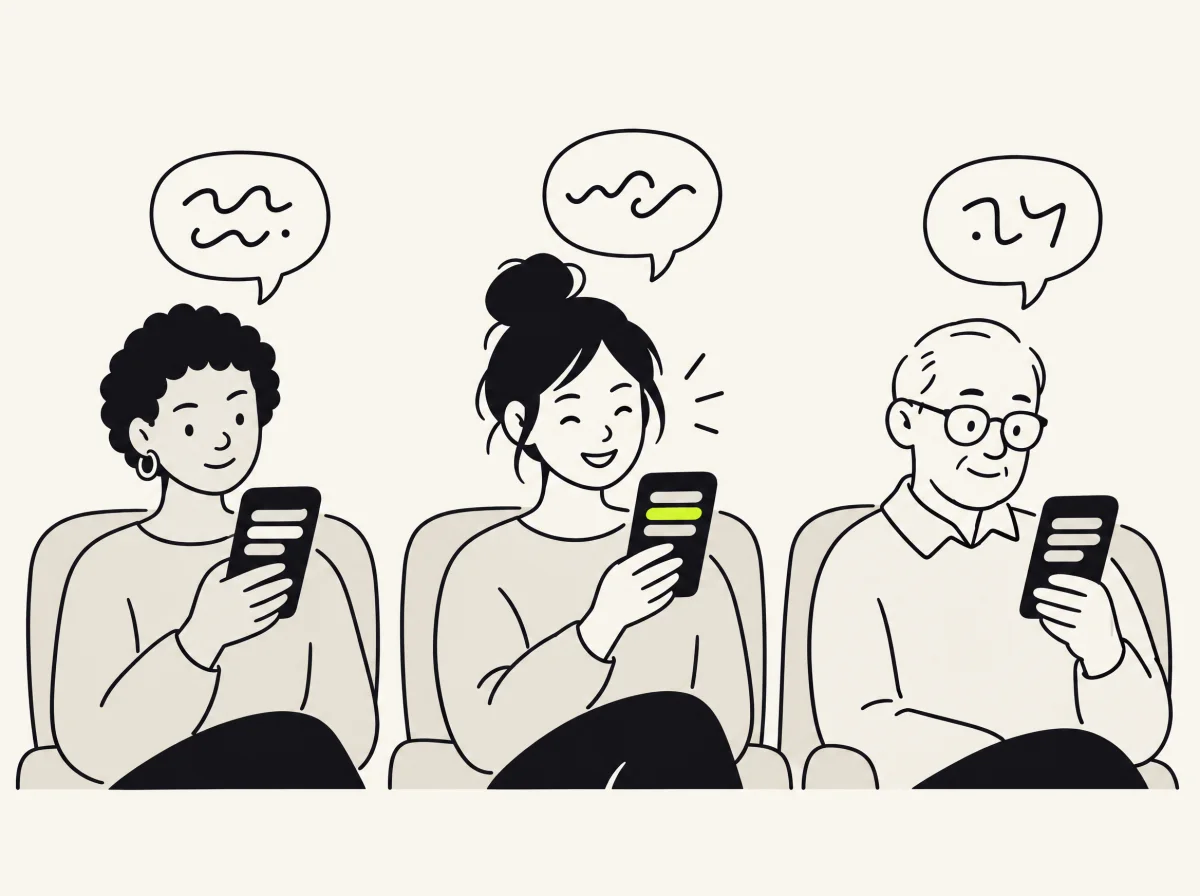
For your audience
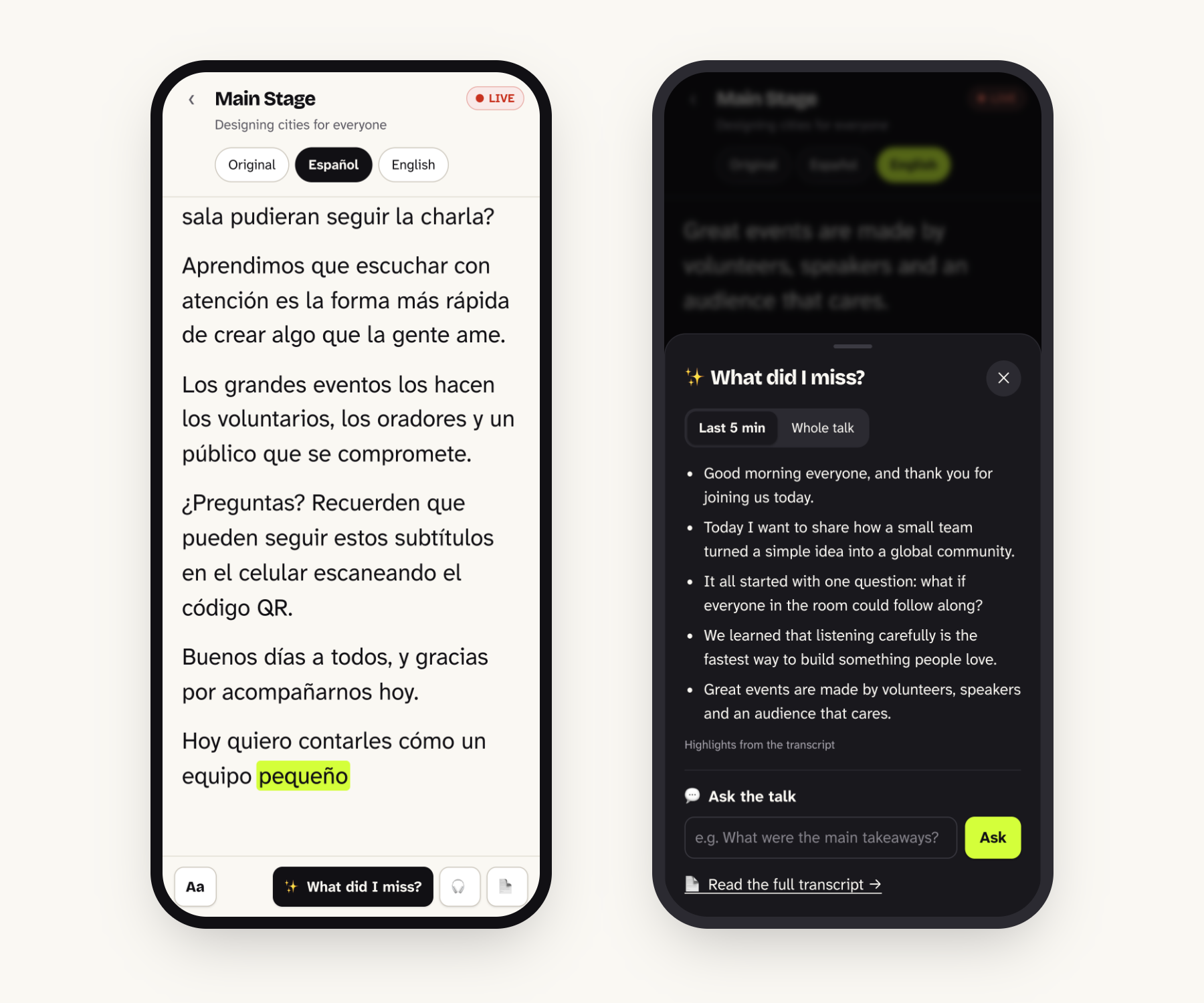
- Captions on any phoneScan the room’s QR code and pick a language. No app, no sign-up.
- What did I miss?A summary of the last five minutes, or the whole session, in their language.
- Ask the talkQuestions answered only from what was said, with quotes and timestamps.
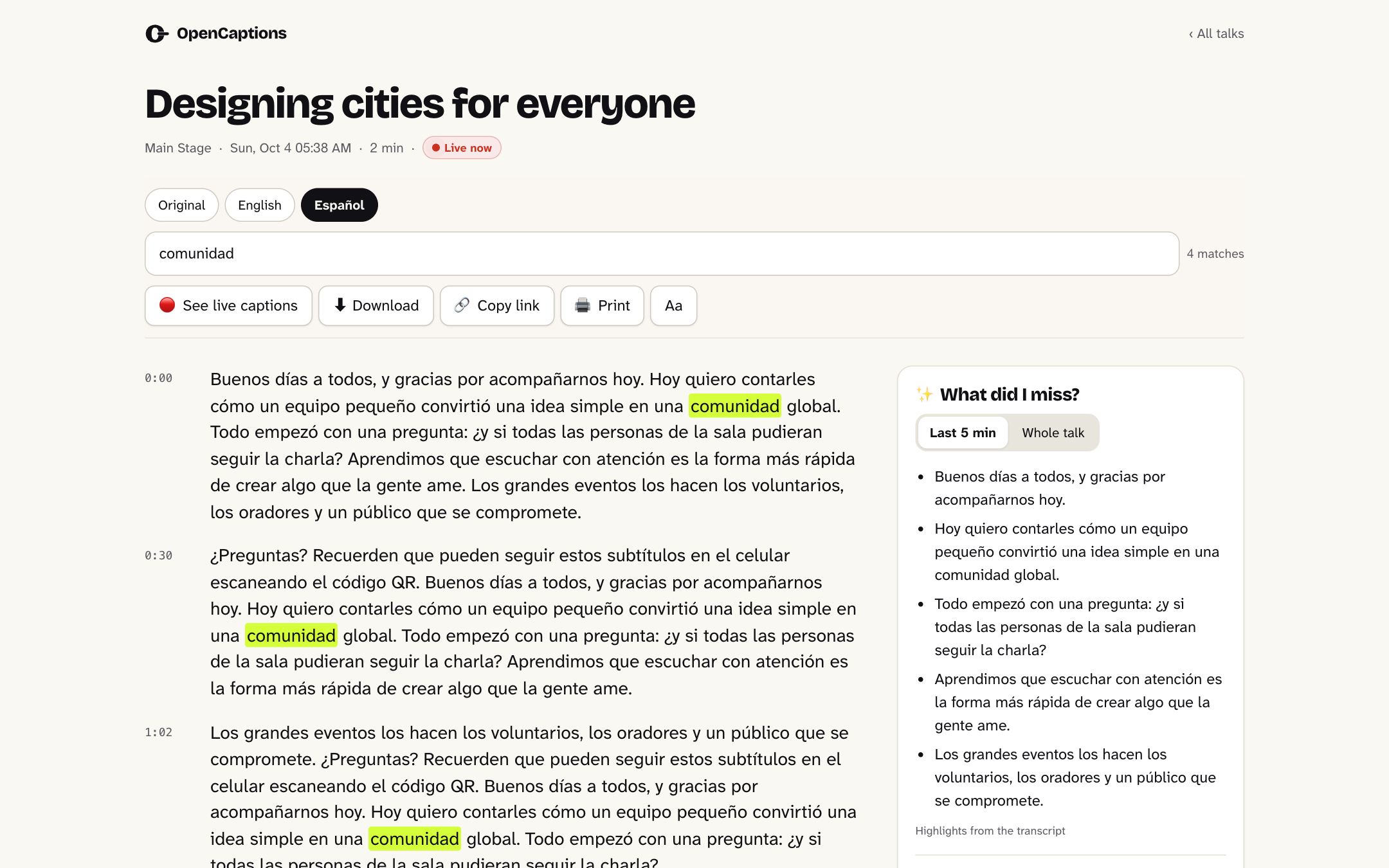
- TranscriptsRead, search, print and download every session.
- Built for accessibilityText size, high-legibility fonts, spacing, light and dark mode, floating captions.
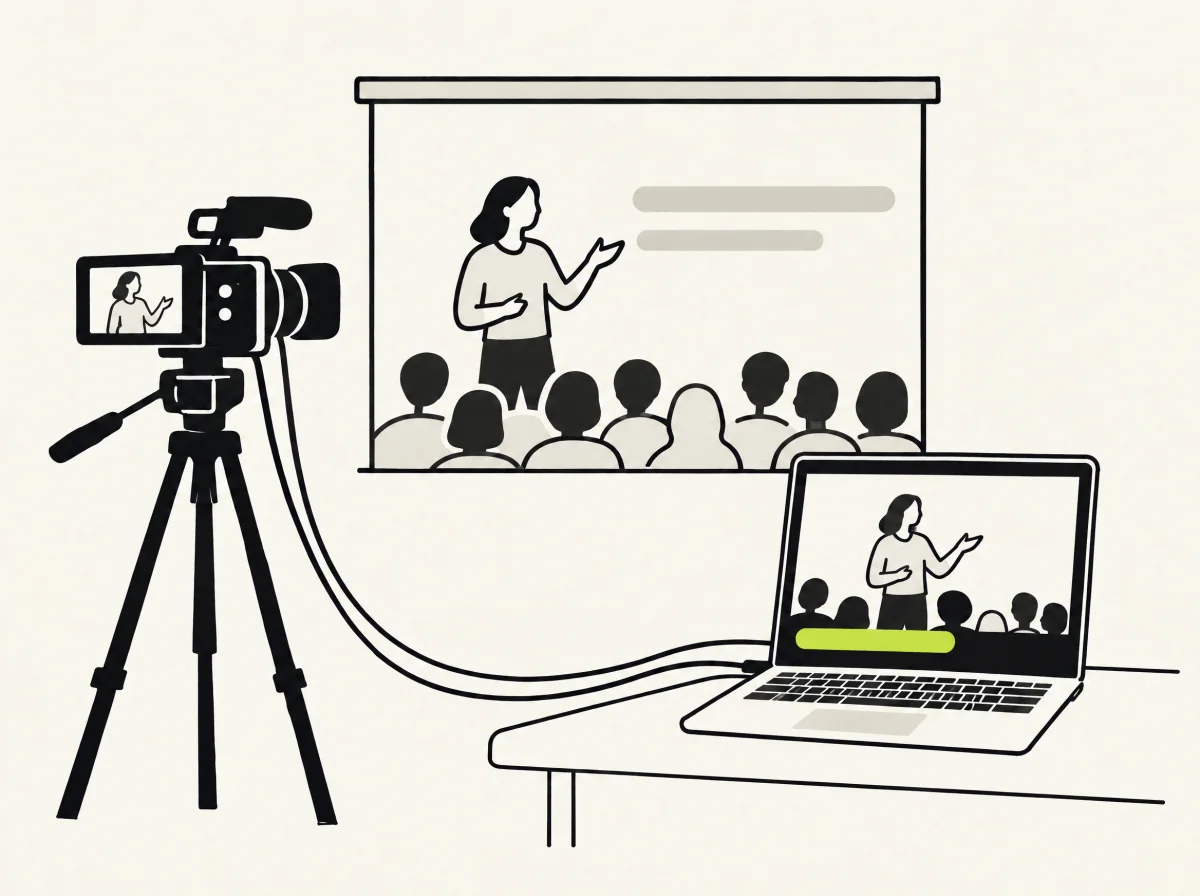
For the stage and the stream
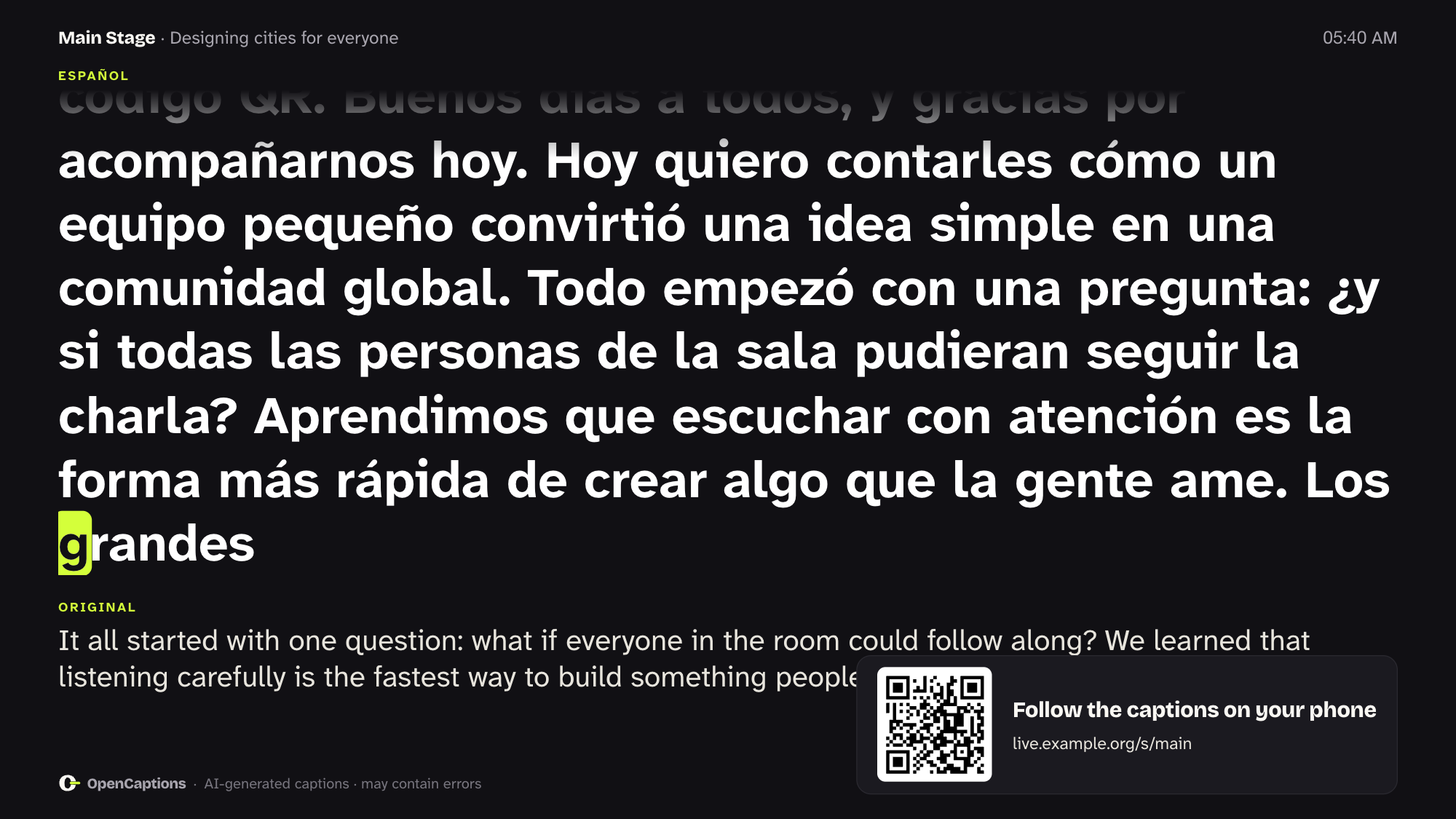
- Presenter screenFull-screen captions and the room’s QR code, right next to the speaker.
- Livestream overlayTransparent or chroma key for OBS and vMix, in one or two languages.
- Multilingual speakersWhen a host switches language mid-sentence, every caption language follows.
- Any audio sourceThe sound desk through a PC, a browser tab, or a stream from OBS or vMix.
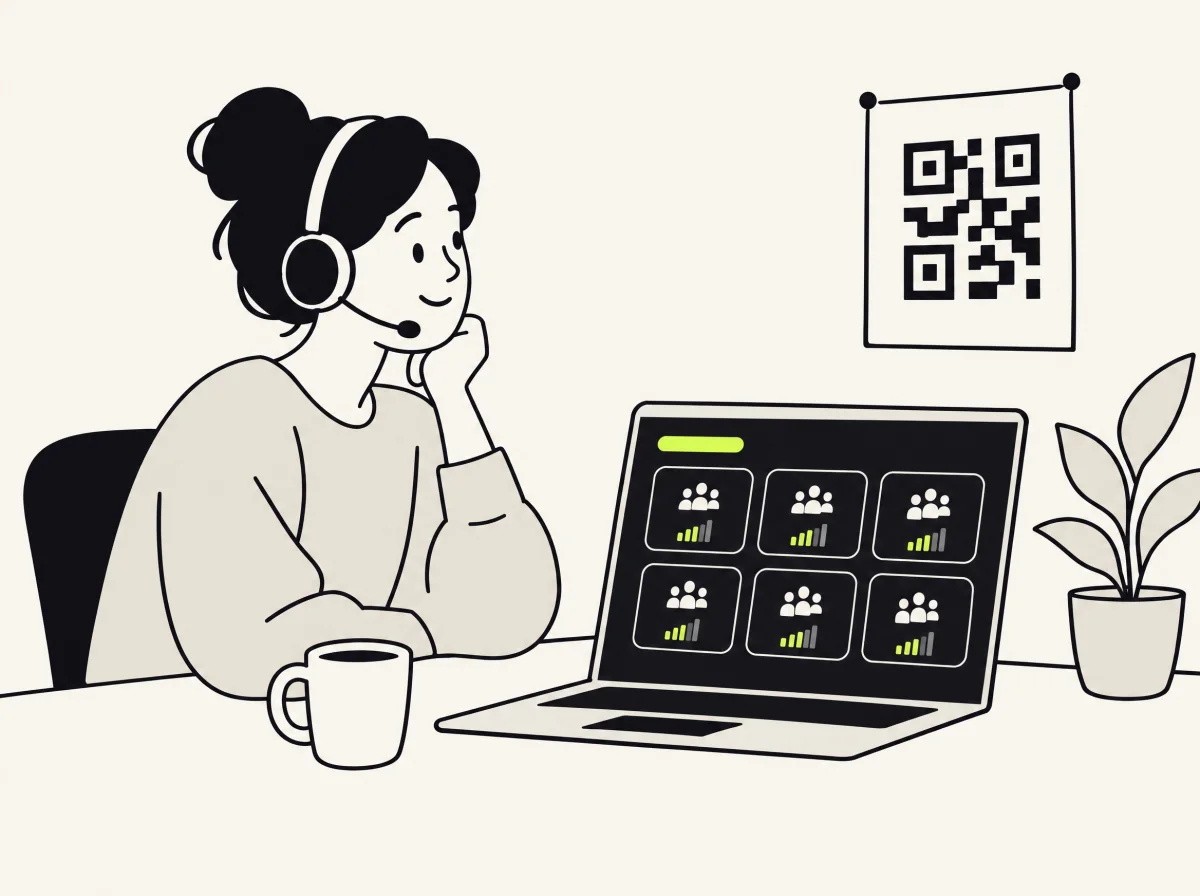
For organizers
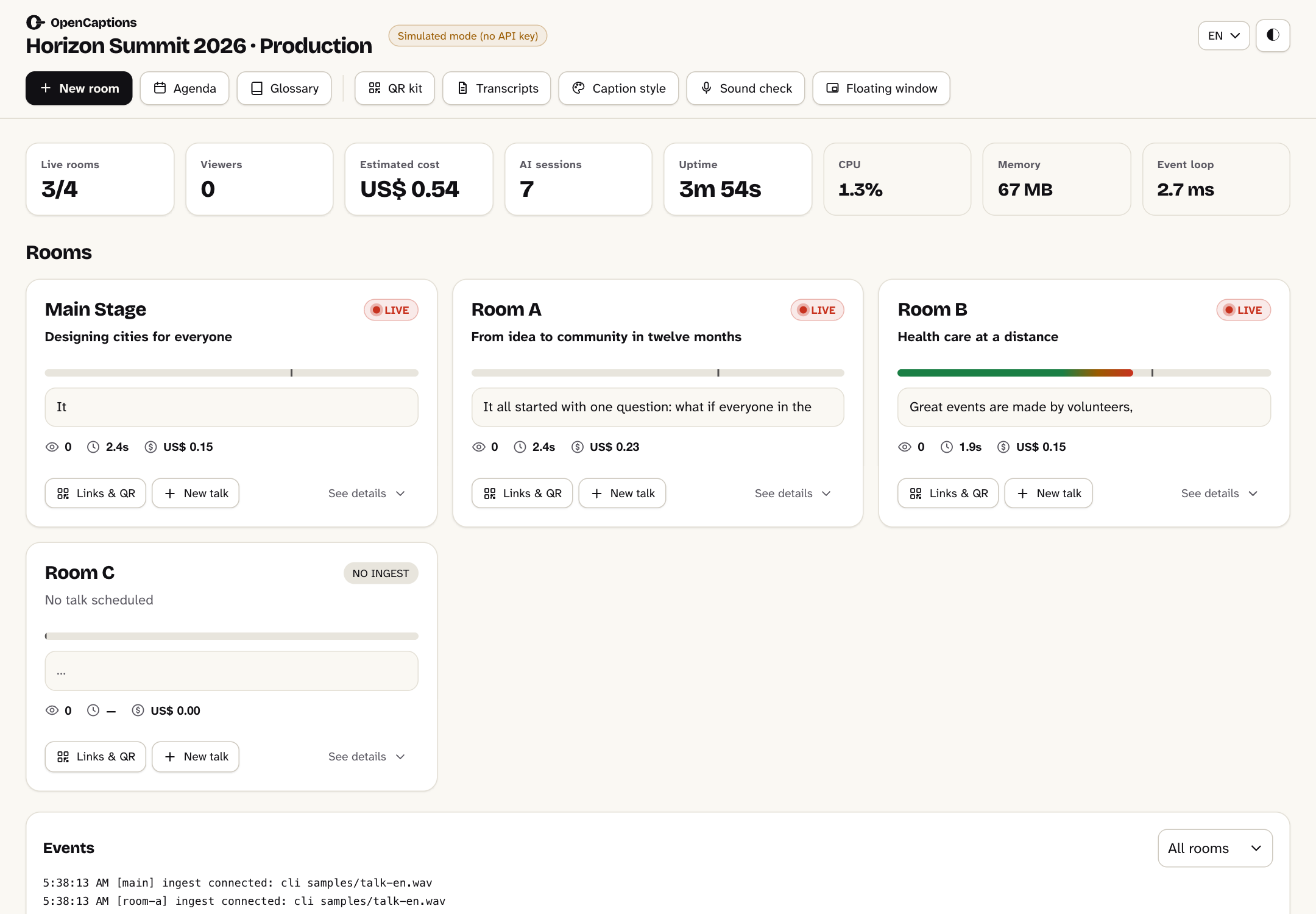
- One dashboard for every roomStatus, audio level, delay, audience, cost and alerts at a glance.
- Agenda importPaste your Swapcard, Sessionize or spreadsheet export: titles appear automatically.
- QR postersA printable poster for every room, in one click.
- Secure by defaultAccess tokens, rate limits and no inbound ports.
How it works
Live in three steps.
Connect the audio
Plug in the sound desk through any PC, open a browser tab, or point OBS or vMix at the server.
AI listens and translates
A speech model transcribes every room and translates each sentence with context and your glossary.
Everyone follows along
Phones, the presenter screen and the livestream update together. Transcripts stay online afterwards.
Screenshots
Calm screens for busy days.
Pricing
Free software. Pay only for the AI you use, or nothing at all.
Gemini (cloud)
The highest accuracy and lowest delay. About US$ 2.2 per room-hour of speech, and silence is never billed.
Local mode
Speech recognition and translation on your own hardware. No API key, no usage fees, and the audio never leaves the building.
Open source, for good.
MIT-licensed, with no accounts, no tracking and no lock-in. Host it on a laptop at the venue or on any cloud server, and adapt it to your brand.
Get started
See it working in two minutes.
No API key needed: captions are simulated until you add one.
# Clone and start in demo mode
$ git clone https://github.com/carraroesteban/opencaptions.git
$ cd opencaptions && npm install
$ npm run mock            # http://localhost:8080

# In another terminal: play a sample talk into a room
$ npm run feed -- --stage main --input samples/talk-en.wav

# Ready for a real event? Set it up in a minute
$ npm run setup